
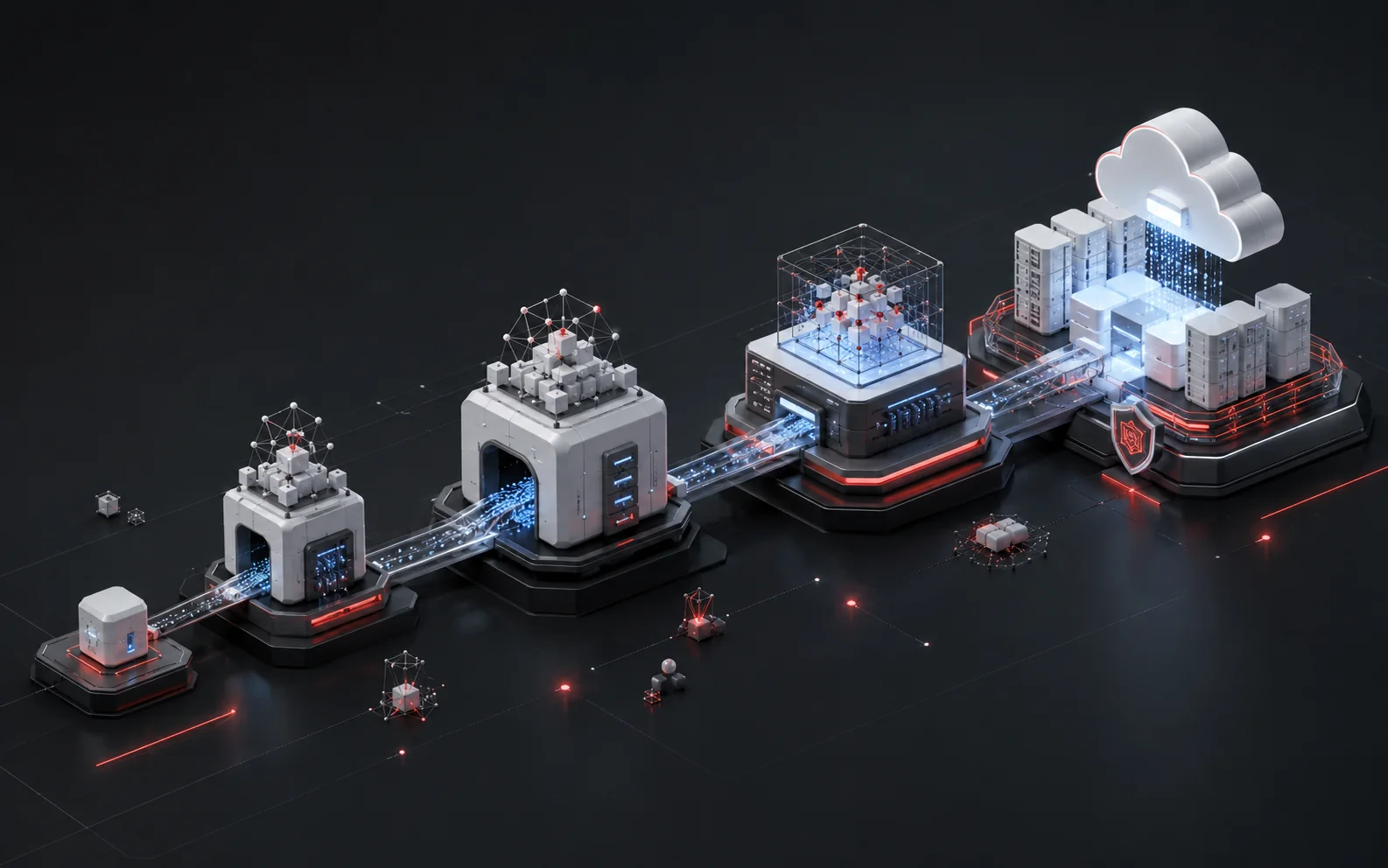
TL;DR: A working Model Context Protocol (MCP) rollout moves through four phases: a local quickstart to prove the mechanics, a single-workflow pilot with one real team, production hardening (auth, monitoring, governance), and a scale-out phase that treats MCP servers as shared infrastructure. Most failed rollouts skip straight from quickstart to "roll it out everywhere" — the pilot and hardening phases are where the actual engineering happens. This roadmap keeps code minimal and links to the official SDK docs for implementation detail; the goal here is sequencing the rollout, not replacing the documentation.
What is MCP, in one sentence
MCP is an open protocol, created by Anthropic and open-sourced in November 2024, that standardizes how AI applications connect to external tools, data, and systems. It runs on a client-host-server architecture built on JSON-RPC: a host application (an AI assistant or IDE) manages one or more clients, each client holds a single stateful session with one MCP server, and each server exposes tools, resources, and prompts back to the host.
For the conceptual layer — why this matters, what problem it solves relative to point-to-point integrations — see the deeper explainer on Claude and MCP connecting Claude to enterprise data. For a map of what's already built, see the MCP Server Ecosystem overview. This post picks up where those leave off: how to actually roll MCP out inside an engineering org without it becoming shadow IT.
Why sequence this as a rollout, not a deployment
Treating MCP like a library ("install it, wire it into the app, ship") undercounts what changes. An MCP server is a new network-addressable surface with access to internal tools and data. That surface needs the same lifecycle discipline as any other production service: auth, logging, ownership, and a plan for what happens when five teams all want their own server. Four phases keep those concerns from arriving all at once.
Phase 1: Local quickstart — prove the mechanics
The goal of this phase is narrow: get one MCP server running locally and talking to a host application. Nothing here should touch production data or a real user.
The shape of a minimal server is a handful of decorated Python functions. The official Python SDK's own example is genuinely this short:
A complete server looks roughly like: import MCPServer from the SDK, instantiate it with a name, and decorate a plain Python function with @mcp.tool() — for example a two-argument add(a, b) function with a docstring. That's a complete server exposing one callable tool — no manual JSON schema, no request parsing, no protocol handling written by hand. The SDK also ships resources (read-only data the host can pull in) and prompts (reusable templates) as first-class primitives alongside tools. Point the server at the MCP Inspector during development — it gives a visual view of what the host actually sees and calls, which is the fastest way to catch a malformed tool signature before it reaches a host application.
Two decisions worth making at this stage, not later:
- Transport. MCP supports stdio (local process, no network), Streamable HTTP, and SSE — though SSE is deprecated in favor of Streamable HTTP for new servers. A quickstart server almost always uses stdio. That choice stops being free the moment the server needs to run somewhere other than the same machine as the host, which is exactly what phase 2 requires.
- Scope of the first tool. Pick one narrow, low-risk action — a read against an internal API, a lookup against a database view — not the highest-value integration in the backlog. The point of phase 1 is confidence in the mechanics, not business value yet.
Don't try to learn the full SDK surface here. The official Python SDK quickstart and modelcontextprotocol.io's server quickstart cover the API in more depth and more accurately than a blog post can maintain over time — treat those as the reference, this roadmap as the sequencing.
Timebox: a day or two for one engineer. If it's taking longer, the tool being wrapped is more complex than the protocol.
Phase 2: Pilot — one workflow, one team
This is where most of the real learning happens, and where most rollouts under-invest. Move the quickstart server from a laptop to somewhere a small team can reach it, and connect it to a single real workflow — not a demo, an actual task someone does every week.
Pick the workflow with three properties: it's genuinely repetitive, the data it touches is already something the team is cleared to see, and failure is annoying, not catastrophic. A support-ticket lookup tool or an internal wiki search server fits. A tool that can issue refunds does not — save that for after hardening.
During the pilot, track three things, not five:
- Does the team actually use it without the builder in the room? If usage requires the original engineer to debug every session, the tool isn't ready to widen.
- What does the team ask for that the first version doesn't do? This is the real scope for phase 3, not a wishlist collected in the abstract.
- Where does it fail silently? A tool call that errors loudly is a minor annoyance. A tool call that returns a wrong-but-plausible answer is the failure mode that erodes trust in the whole rollout — pilots exist to surface these before they scale.
Keep the pilot's server on stdio or a lightly-secured HTTP endpoint reachable only by the pilot team on an internal network — don't front-load OAuth and full production hardening here. The pilot's job is to validate the workflow fit; production-grade auth and controls are the next phase's job, and building them before knowing what the workflow actually needs tends to produce the wrong controls.
Timebox: two to four weeks with one team, one workflow. Extend it if the team's usage pattern hasn't stabilized; don't extend it just because the backlog of "nice to add" tools is long.
Is your data ready for agentic AI?
Take the 3-minute assessment and see where your data foundation needs attention before you scale autonomous systems.
Get my readiness scorePhase 3: Production hardening — auth, monitoring, governance
This phase turns a working pilot into something a platform team is willing to run unattended. Three areas need attention before a second team touches the server.
Authentication and authorization. Move off stdio (implicitly trusted, since it's a local process) to an HTTP transport that supports OAuth 2.0, which MCP defines as part of its authorization model for remote servers. Anthropic's own MCP-consuming products — Claude Code among them — support OAuth 2.0 for connecting to remote servers and will prompt for re-authentication when a server responds with a 401 or 403. Whatever host application is consuming the server in the org, confirm it speaks the same authorization flow before hardening plans assume it does.
Monitoring and observability. An MCP server is a new dependency in the request path — instrument it like one. Minimum viable observability: log every tool call with caller identity, log every error with enough context to reproduce it, and alert on latency or error-rate spikes like any other internal service. If the server wraps a database or a paid third-party API, meter usage — the pilot should have already surfaced the rough call volume to expect.
Governance. Decide, in writing, before scaling:
- Who owns each server (a team, not an individual)
- What data classification each tool is allowed to touch
- How a new tool gets reviewed before it's exposed to a host application
- What the incident path looks like if a tool call causes an unintended action (this matters more for MCP than for a read-only API, since some tools take actions, not just fetch data)
Worth noting: the reference server implementations that Anthropic and the MCP steering group publish are explicitly labeled educational examples, not production-ready code — security review is left to whoever deploys them. Treat every server, including ones built on official examples, as needing its own review before phase 4.
Timebox: four to eight weeks, running mostly in parallel with the pilot's later weeks rather than strictly after it. Security and platform teams should be looped in at the start of the pilot, not handed a finished pilot and asked to bless it retroactively.
Phase 4: Scale — treat MCP servers as shared infrastructure
Once one server is hardened, the temptation is to let every team build its own from scratch. That's how an org ends up with a dozen MCP servers with a dozen different auth patterns, none of which talk to a shared registry or a shared monitoring dashboard.
What scaling well looks like in practice:
- A shared template or starter repo that bakes in the org's auth pattern, logging format, and error-handling conventions, so a new team's first server inherits phase 3's decisions instead of re-deriving them.
- A discovery point. MCP has an official public registry for published servers; an internal equivalent — even a simple internal catalog page — saves a second team from rebuilding a server that already exists.
- A review gate, not a blocker. The governance checklist from phase 3 becomes a lightweight checklist for anyone standing up a new server, not a months-long approval process.
- A retirement plan. Not every pilot graduates. Some workflows are one-offs; decommissioning an MCP server should be as normal a decision as building one.
The organizations that get stuck here usually skipped phase 3 and are now trying to retrofit auth and monitoring across five servers at once instead of one. Phase order matters more than phase speed.
MCP servers are also one piece of a bigger picture — most enterprises scaling MCP are doing it alongside orchestration layers, observability tooling, and agent-to-agent communication decisions. For that wider planning view, see the Enterprise Roadmap to Building Agentic AI Systems.
Further learning resources
Some of the keyword volume behind MCP right now ("mcp training," "ai mcp course") comes from people who want structured, hands-on learning rather than another explainer. A blog post is the wrong format for that — worth pointing at directly instead:
- Official MCP documentation (modelcontextprotocol.io) — the specification, architecture docs, and SDK references for every supported language. Start here for anything implementation-specific this post didn't cover.
- MCP Python SDK repository (github.com/modelcontextprotocol/python-sdk) — the canonical quickstart, working examples, and the source for the exact tool/resource/prompt decorators referenced above.
- MCP Inspector (github.com/modelcontextprotocol/inspector) — the debugging tool referenced in phase 1; worth learning well before writing a second tool.
- MCP Registry (registry.modelcontextprotocol.io) — the official list of published servers, useful both for discovery and as a reference for how other teams structure a production server.
None of these are CLOUDSUFI properties — they're the primary sources this roadmap draws from, and the right place to go for API-level detail this post deliberately left out.
Frequently asked questions
What's the fastest way to get an MCP quickstart running?
Install the official Python SDK, write a single tool-decorated function, and run it through the MCP Inspector to confirm a host can see and call it. That's a same-day exercise for one engineer — the SDK's own example server is under fifteen lines.
Is there an official MCP training or certification course?
Not from Anthropic directly as of this writing — the primary structured learning path is the official documentation and SDK quickstarts at modelcontextprotocol.io, plus the reference server repository for worked examples. Treat any third-party "MCP certification" claim with the same scrutiny given any unofficial course tied to a fast-moving open protocol.
Do I need OAuth for an internal-only MCP server?
Not for a phase 1 or phase 2 pilot running over stdio on a trusted machine. Once the server moves to an HTTP transport reachable by more than the builder, OAuth 2.0 is the authorization model MCP defines for remote servers, and it's worth adopting before, not after, a second team gets access.
What's the difference between an MCP quickstart and a production MCP deployment?
A quickstart proves the protocol mechanics work — one tool, one local host, no real users. A production deployment adds authentication, logging, ownership, and a governance process around what data each tool can touch. Skipping straight from one to the other is the most common rollout failure pattern.
Where can I find existing MCP servers instead of building one from scratch?
The official MCP Registry lists published servers across languages and use cases, and the modelcontextprotocol/servers GitHub repository holds the reference implementations maintained by the protocol's steering group. Check both before building a server that duplicates one already public.