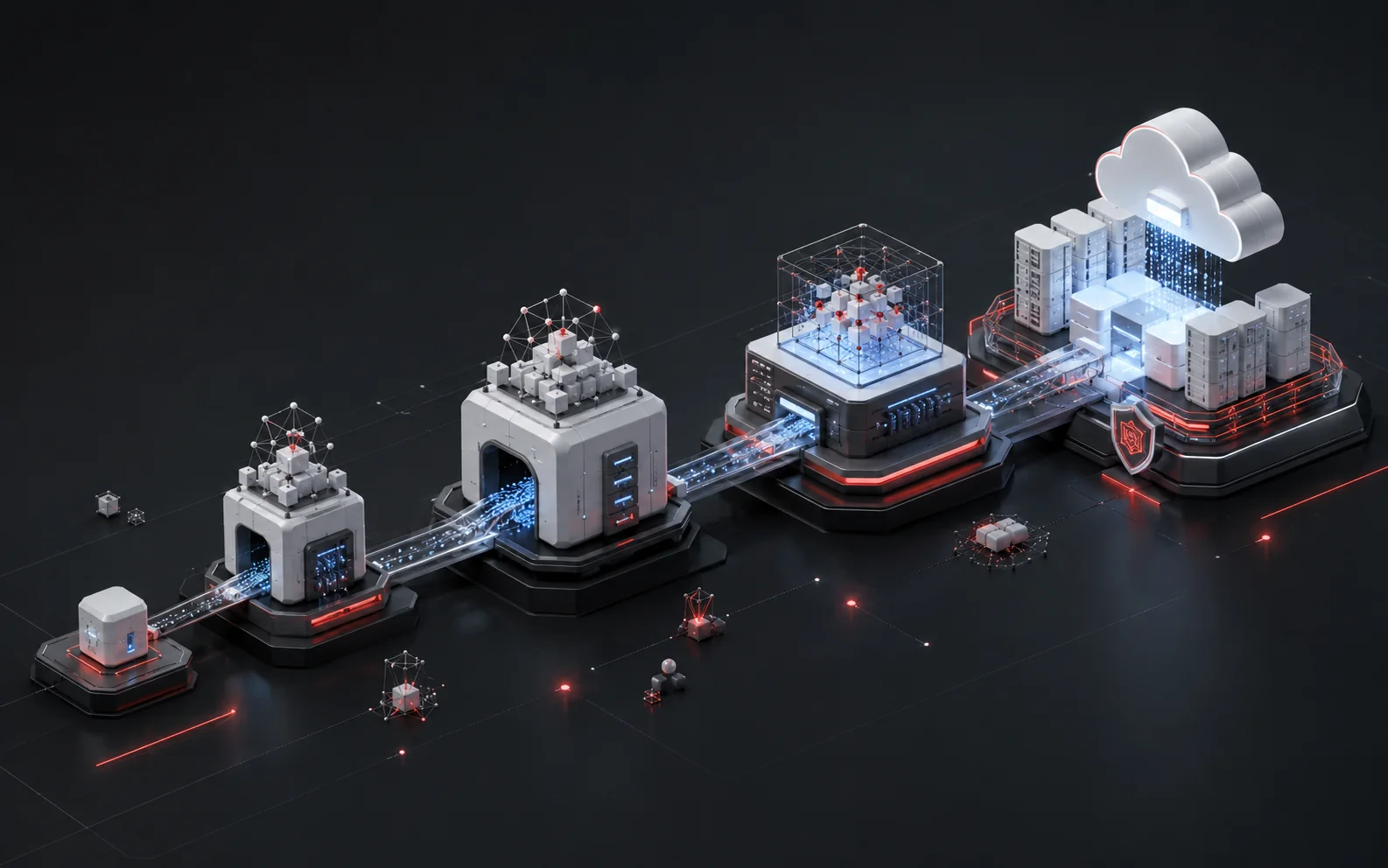
TL;DR: The Model Context Protocol (MCP) is an open-source standard, created by Anthropic, that lets AI applications like Claude connect to external tools, files, and APIs through a common interface instead of one-off custom integrations. Claude supports MCP natively across Claude Desktop, Claude Code, and the Claude Developer Platform. Connecting Claude to an enterprise system means standing up or pointing at an MCP server for that system, then registering it with a Claude client using a transport (stdio for local processes, HTTP for remote services) and, for cloud systems, OAuth 2.0. This piece covers the concept, the Claude-specific setup, and the governance questions that come up the moment MCP moves from a laptop experiment to something running against production data.
What MCP Is
The Model Context Protocol is an open standard for connecting AI applications to external systems — tools, files, databases, and APIs — through one consistent interface instead of a custom integration per data source. Anthropic open-sourced MCP on November 25, 2024, crediting Anthropic engineers David Soria Parra and Justin Spahr-Summers as its creators. It's model-agnostic by design: any AI application can act as an MCP client, and any data source can expose an MCP server, so the protocol isn't Claude-specific even though Claude was the first major client to ship support for it.
Before MCP, connecting a language model to a new data source meant writing bespoke glue code for every combination of model and system — one integration for Claude-to-Salesforce, a different one for GPT-to-Salesforce, another for Claude-to-Postgres, and so on. That's an M×N problem: M models times N systems equals M×N integrations, each maintained separately. MCP flattens this to M+N — one MCP client implementation per model, one MCP server implementation per system, and any client can talk to any server.
MCP follows a client-host-server architecture, where a host application (the AI product itself — Claude Desktop, Claude Code, an IDE) can run multiple client instances, and each client maintains one isolated, stateful connection to one server. The host is the container and coordinator: it creates clients, enforces security policy, manages user consent, and aggregates context across every connected server. This isolation matters — one server's connection can't see or interfere with another's, which is what lets an enterprise safely connect Claude to a dozen internal systems at once without them stepping on each other.
Under the hood, MCP has two layers. The data layer is a JSON-RPC 2.0-based protocol that handles connection lifecycle (initialization, capability negotiation, termination) and defines the core primitives a server can expose:
- Tools — executable functions the AI can invoke to take action (run a query, call an API, write a file)
- Resources — data the AI can read for context (a file's contents, a database record, an API response)
- Prompts — reusable templates that structure how the model interacts with a given tool or resource set
The transport layer handles how messages actually move between client and server — locally via stdio (standard input/output, for processes running on the same machine) or remotely via HTTP, with authorization handled at this layer too. Server-Sent Events (SSE) was an earlier remote transport option; the MCP documentation now marks it deprecated in favor of HTTP where a server supports it.
How Claude Uses MCP
Claude supports MCP as a client across three surfaces: Claude Desktop (for individual users connecting personal or team tools), Claude Code (for developers wiring MCP servers into a coding workflow), and the Claude Developer Platform / API (for connecting MCP servers into custom applications built on Claude). This piece focuses on Claude Code, since that's where most enterprise platform teams are doing the connecting.
In Claude Code, MCP servers are added with the claude mcp add command, and every server is registered under one of three configuration scopes.
Project scope is the one that matters for enterprise rollouts: it puts the MCP server list in source control, so every engineer on a repo connects to the same systems the same way, with no per-laptop drift. Claude Code prompts for approval before using project-scoped servers the first time a project is opened — a deliberate friction point, since .mcp.json is checked into a shared repo and could in principle be edited by anyone with write access.
Once a server is connected, the model interacts with it through natural language — the tools, resources, and prompts the server exposes show up as things Claude can call in the course of answering a request. Ask Claude Code to "show me all open PRs assigned to me" against a connected GitHub MCP server, or "what's our total revenue this month" against a connected database server, and the model resolves that into the right tool calls against the server, not a hallucinated guess.
For where MCP sits next to the newer Agent2Agent (A2A) protocol — same problem space, different layer — the comparison worth reading is on MCP vs. A2A: what the difference is and when each one matters.
Is your data ready for agentic AI?
Take the 3-minute assessment and see where your data foundation needs attention before you scale autonomous systems.
Get my readiness scoreConnecting Claude to Your Systems: Step by Step
The exact server you connect to depends on the system, but the Claude Code side of this follows the same shape every time.
1. Confirm a server exists for the system, or decide to build one.
Anthropic maintains a small set of reference server implementations and points to a public MCP Registry where vendors and the community publish servers for their own products. Many enterprise SaaS tools (ticketing, CRM, source control, payments) now publish first-party MCP servers. If nothing exists for an internal system, an MCP server has to be built — SDKs are available in multiple languages, and the server just needs to expose the right tools/resources for that system's data.
For a broader map of which vendors already publish MCP servers and how they compare, the relevant reference is the MCP Server Ecosystem overview covering what's available today.
2. Pick the transport.
Local processes (a script on the same machine, a CLI tool) connect over stdio. Remote services — most cloud SaaS tools — connect over HTTP. SSE still works for some servers but is deprecated; use HTTP where the server supports it.
3. Register the server with Claude Code.
Syntax varies slightly by transport. A stdio server pointed at a local script:
- claude mcp add --transport stdio db -- npx -y @bytebase/dbhub --dsn "postgresql://readonly:[email protected]:5432/analytics"
A remote HTTP server, scoped so the whole project team gets it:
- claude mcp add --transport http paypal --scope project https://mcp.paypal.com/mcp
A remote server that needs a static credential in a header:
- claude mcp add --transport http github https://api.githubcopilot.com/mcp/ --header "Authorization: Bearer YOUR_GITHUB_PAT"
4. Authenticate, if the server requires it.
Claude Code supports OAuth 2.0 for remote servers. When a server responds with a 401 or 403, Claude Code flags it as needing authentication inside the /mcp menu, where the OAuth flow can be completed interactively. Client secrets are stored in the system keychain on macOS or a credentials file elsewhere — not written into the plaintext config.
5. Verify the connection and start using it.
Run /mcp inside Claude Code to see every connected server, its status, and (for OAuth servers) whether authentication succeeded. From there, the server's tools are available to Claude in plain-language requests — no separate API to learn.
Architecture at a Glance
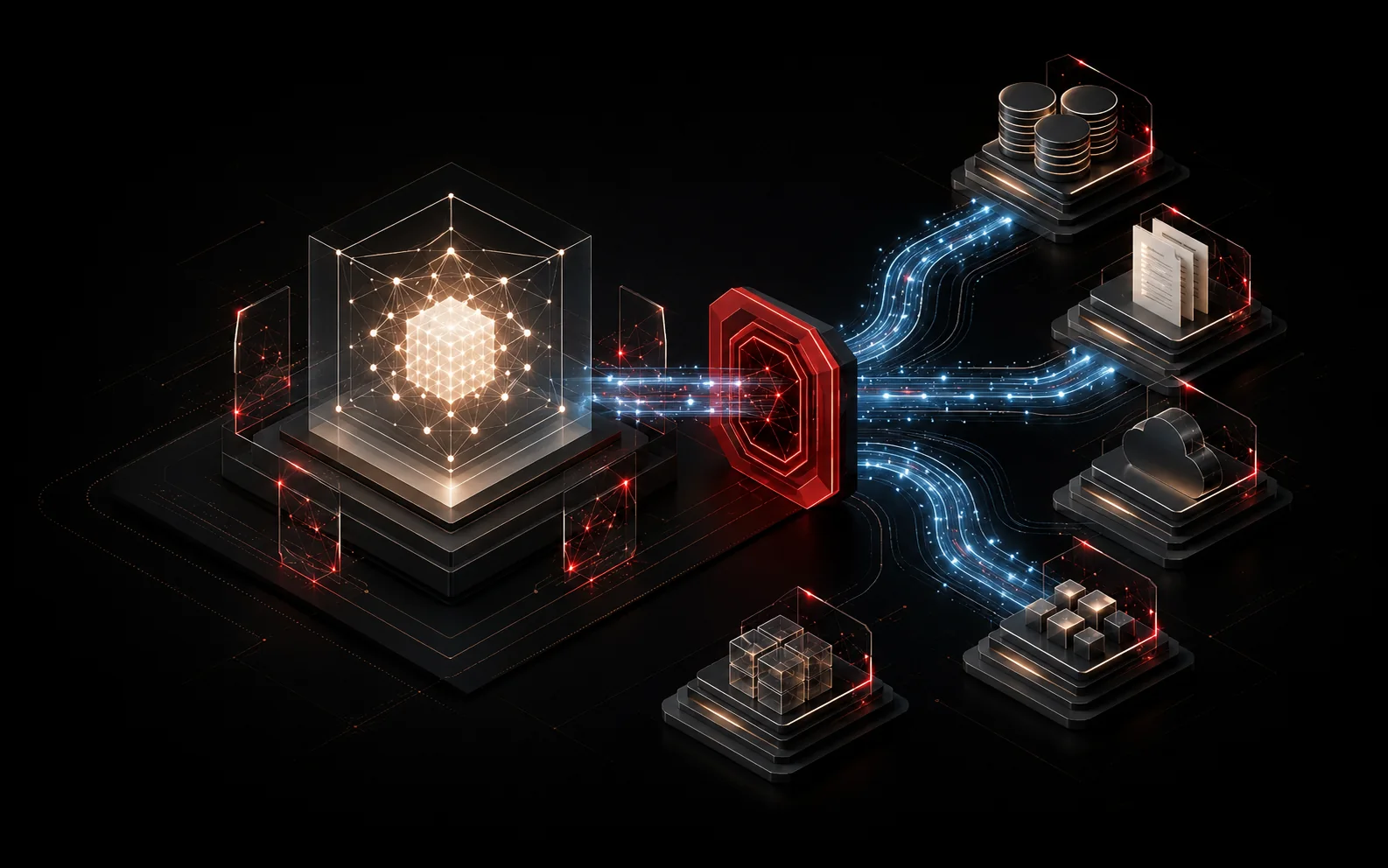
Claude is the host — Claude Code, Claude Desktop, or the Developer Platform — and it creates and manages isolated client connections. Each client connects to exactly one server: a stdio client to a local process, or an HTTP client (often with OAuth) to a remote one. Behind each server sits the actual system — an internal database, a ticketing or source-control tool, a CRM or payments SaaS product, or a custom-built internal tool — each exposing its own tools, resources, and prompts back up through its client to the host.
Each client-server pair is a separate, isolated session — one server going down or misbehaving doesn't touch the others, and Claude's host layer is what enforces the security and consent boundary between all of them.
Security and Governance Considerations
MCP's flexibility is also where the governance questions start. A few worth resolving before rolling this out past a single developer's laptop:
Scope discipline. Project-scoped .mcp.json files are checked into version control, which means the list of connected systems is visible to anyone with repo access — and editable by anyone with write access. Claude Code's approval prompt on first use of a project-scoped server exists for exactly this reason; don't let engineers reflexively click through it without checking what changed.
Credential handling. Static credentials passed via --header sit in the server's runtime config. OAuth is the stronger option where a server supports it — tokens are scoped, refreshable, and revocable, and Claude Code stores client secrets in the system keychain on macOS rather than in a config file.
Least privilege on the server, not just the client. MCP's client-host-server split enforces isolation between connections, but it says nothing about what a given server is allowed to do against the backing system. A database MCP server pointed at a read-only credential is a very different risk profile from one pointed at a superuser connection string — that boundary is set at the database/API layer, not by MCP itself.
Reference servers are not production hardening. Anthropic's own reference implementations are explicitly labeled as educational examples, not production-ready solutions, with a note that developers should evaluate their own security requirements and safeguards before deploying them. Anything pulled from a public registry deserves the same review a third-party API integration would get — check what it logs, what it can write versus only read, and who maintains it.
Auditability. Because tool calls run through the model's own reasoning, the same request phrased two different ways can resolve to different tool calls. Enterprise rollouts should log what was called, with what arguments, against which server — not just what the model said back to the user.
None of this is a reason to avoid MCP. It's the same checklist any new integration surface earns the first time it touches production data, and it's a smaller list than most bespoke integrations required before a standard existed at all.
For the rollout sequencing — pilot scope, which systems to connect first, how to phase from local to project scope — the relevant reference is the MCP Implementation Roadmap covering a phased rollout plan.
FAQs
What is Claude MCP?
Claude MCP refers to Claude's support for the Model Context Protocol — the open standard, created by Anthropic, that lets Claude connect to external tools, files, and data sources through MCP servers rather than one-off custom integrations.
Where do I find Claude's MCP docs?
Anthropic publishes MCP documentation for each Claude surface separately: general MCP concepts and setup for Claude Desktop and the API live under Claude's main documentation site, and Claude Code has its own dedicated MCP reference covering claude mcp add, scopes, transports, and OAuth.
Does Claude MCP work on Mac?
Yes. Claude Desktop and Claude Code both run on macOS, and MCP server configuration works the same way as on other platforms — stdio servers run as local processes, and Claude Code stores OAuth client secrets in the macOS system keychain specifically. Windows setup differs slightly for local stdio servers, which need to be wrapped with cmd /c.
What's the difference between a Claude MCP server and a Claude MCP client?
Claude — through Claude Desktop, Claude Code, or an application built on the Claude API — is the MCP client (technically, the host that manages one or more clients). The MCP server is the piece built for a specific system (a database, a SaaS product, an internal tool) that exposes that system's tools, resources, and prompts. One server can be connected to many different clients; that's the point of the standard.
Can I connect Claude to more than one system at once?
Yes — a single Claude Code host can run multiple isolated MCP client connections simultaneously, each to a different server, with the host enforcing security boundaries between them. Run /mcp at any time to see every server currently connected.
Do I need to build my own MCP server for internal tools?
Only if one doesn't already exist. Many SaaS vendors now publish first-party MCP servers, and Anthropic's MCP Registry indexes community and vendor servers. For internal, homegrown systems, a server needs to be built using one of the available MCP SDKs — this is a one-time integration cost that then works with any MCP-compatible client, not just Claude.